Marketing · 11 Oct 2026 · 14 min
Types of SEO: the ten worth knowing, and the order to do them in
Every type of SEO helps a page through one of the three stages Google puts it through. What each of the ten covers, how to tell it is working, the order to do them in, and what Google actually says about AI search.
There are a lot of names for types of SEO, and most of them describe the same three jobs.
Google puts every page through three stages before anyone sees it: it crawls the page, indexes it, and then decides whether to serve it for a search. Each type of SEO is a way of helping a page through one of those stages. Learn the stages first and the types stop being a list to memorise.
- 1CrawlingCan Google find and read the page?Technical SEO
- 2IndexingDoes Google understand what it is?On-pageContentImages and videoInternational
- 3ServingDoes Google trust it enough to show it?Off-pageLocal
Across all threeE-commerceProgrammaticAI search
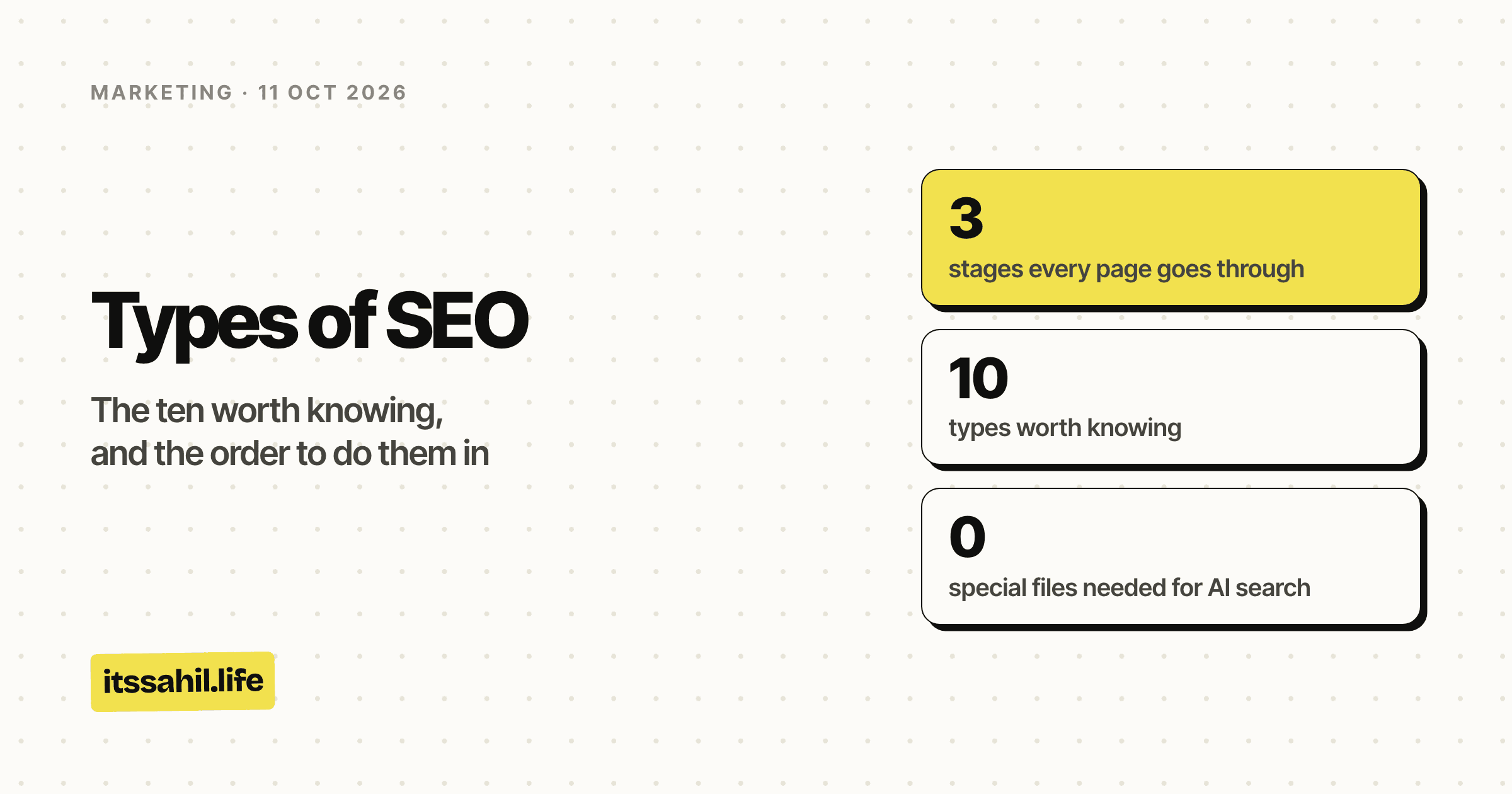
- stages every page goes through
- 3
- types worth knowing
- 10
- special files needed for AI search
- 0
- ways to pay Google for a better rank
- 0
The short version
- Can Google find and read the page? That is technical SEO.
- Does Google understand what the page is? On-page, content, images and video, and international SEO.
- Does Google trust it enough to show it? Off-page and local SEO.
- Three cut across all of it: e-commerce, programmatic, and AI search.
And the one thing worth knowing before any of it: Google says it does not guarantee that any page will be crawled, indexed or shown, and that it does not accept payment to rank anything higher.
All ten at a glance
| Type | Stage | What it fixes | First results | |
|---|---|---|---|---|
| 1 | Technical | Crawling | Google cannot reach or read the page | Next recrawl |
| 2 | On-page | Indexing | Google cannot tell what the page is about | Weeks |
| 3 | Content | Indexing | The page is not the best answer | Months |
| 4 | Off-page | Serving | Nobody else vouches for the page | Months |
| 5 | Local | Serving | Nearby searchers cannot find you | Weeks |
| 6 | Images and video | Indexing | Visual content is invisible to search | Weeks |
| 7 | International | Indexing | The wrong country or language gets the page | Weeks |
| 8 | E-commerce | All three | Product and category pages compete with each other | Months |
| 9 | Programmatic | All three | Thousands of pages, too thin to rank | Months |
| 10 | AI search | All three | You are absent from AI answers | Same as the rest |
"First results" is a rough guide to when you would see a change, not a promise. Google says a recrawl alone can take anywhere from days to months.
Where each type shows up
Every one of these types has a place it can win you on a results page. This is what a reader sees, labelled by the type of SEO that earns each spot.
1. Technical SEO
Stage: crawling. The question: can Google find this page and read it?
Technical SEO is plumbing. Nobody notices it until it breaks, and when it breaks, nothing else you do matters.
What it covers
- Crawl access: your robots.txt rules, and whether pages are linked so Google can discover them
- Sitemaps: a list of the pages you want found, submitted in Search Console
- Speed and stability: a server that answers fast and does not throw errors
- Mobile: a layout that works on a phone
- HTTPS, redirects and status codes: pages that load cleanly, once
- Canonical tags: telling Google which of several similar pages is the real one
- JavaScript rendering: content that still appears when the page is rendered
From Google's own description. Googlebot renders pages with a recent version of Chrome and runs their JavaScript. It also slows down how often it crawls a site when the server starts returning errors, which means a struggling server quietly costs you visibility before anyone sees an error page.
Something I found while building an indexing tool. There is no official API for the "Request Indexing" button in Search Console. The Indexing API that a lot of "instant indexing" tools are built on is documented by Google as usable only for pages with job postings or livestream video, and abusing it can get access revoked. For an ordinary site, a clean sitemap and good internal links are the supported way to get pages found.
How you know it is working
- The Pages report in Search Console shows your important pages as indexed
- URL Inspection shows Google fetched and rendered the page without errors
2. On-page SEO
Stage: indexing. The question: does Google understand what this page is about?
Everything you control on the page itself, arranged so the topic is obvious to a reader and to a crawler at the same time.
What it covers
- Title tag: the clickable headline in search results
- Meta description: the line underneath, which often decides the click
- Headings: an H1, then H2s that work as a table of contents
- URL: short, readable, describing the page
- Internal links: links from your other pages, with descriptive anchor text
- Image alt text: a description of what an image shows
The title, in practice
An honest example from this site. In the diagram above, the organic listing is this site's own backlinks article. Its title runs to 103 characters and its description to 209, both long enough that Google shortens them. Google cuts titles and descriptions to fit the results page, so the words that matter most belong at the front.
How you know it is working
- In Search Console's Performance report, impressions rise for the queries the page was written for
- Click-through rate improves when you rewrite a title or description
The page structure side of this, the headings and paragraphs, is covered in detail in the blog writing format guide.
3. Content SEO
Stage: indexing, and then serving. The question: is this the best answer to the search?
On-page SEO tells Google what a page is. Content SEO makes it the page worth showing.
What it covers
- Search intent: writing what the searcher actually wanted, not what you wanted to say
- Depth: answering the question fully, including the follow-up questions
- Originality: something the other ten results do not already say
- Experience: showing that you have actually done the thing you are writing about
- Freshness: keeping facts, prices and dates current
From Google's own description. Low-quality content is one of the things Google names as able to stop a page being indexed at all.
Original beats comprehensive
The second one is better not because it is longer but because it contains something nobody else checked. That is the reason the posts here are built around things checked rather than remembered.
How you know it is working
- The page ranks for queries you did not explicitly target, which means Google understands the topic rather than just the keyword
- People who land on it stay and read rather than bouncing straight back
4. Off-page SEO
Stage: serving. The question: do other sites vouch for this page?
Everything that happens somewhere else and points back at you.
What it covers
- Backlinks: links from other sites, the strongest single outside signal
- Digital PR: being covered or cited by publications in your field
- Brand mentions: your name appearing even without a link
- Reviews and profiles: on the places your audience actually looks
Quality, not count. Google's spam policy names low-quality directory and bookmark links as link spam, and buying links that pass ranking credit is against its guidelines. One link from a page people actually read is worth more than a hundred from directories nobody visits.
I went through 249 free sources of links and what each one is actually worth in backlinks in SEO.
How you know it is working
- The Links report in Search Console shows new, relevant sites linking to you
- Pages with fresh links start ranking for harder queries
5. Local SEO
Stage: serving. The question: is this business relevant, near the searcher, and known?
Getting found by people searching for something near them. It mostly happens in the map results and your Google Business Profile, not the ordinary list of links.
What Google says decides local ranking
| Factor | What Google means by it |
|---|---|
| Relevance | How well your Business Profile matches what someone searched for |
| Distance | How far your business is from the person searching |
| Prominence | How well known your business is, which reviews feed into |
Google states plainly that there is no way to request or pay for a better local ranking.
What it covers
- Google Business Profile: verified, with the right category, hours and photos
- Reviews: more of them, and replies to them
- Consistent details: the same name, address and phone number everywhere
- Local pages: a page per location, if you have several
Who needs it. Anyone whose customers come to them, or who goes to their customers: clinics, restaurants, shops, trades. A business that only sells online to anyone anywhere mostly does not.
How you know it is working
- Your profile shows up in map results for searches near you
- Calls, direction requests and website clicks rise in your profile's insights
6. Image and video SEO
Stage: indexing. The question: can Google understand what your images and videos show?
Google analyses images and video as part of indexing a page, so visual content can earn its own place in image and video results.
What it covers
- Alt text: describing the image for people who cannot see it, and for Google
- File names and captions: real words rather than
IMG_4471.jpg - Compression and format: small files that load fast
- Video: a clear thumbnail, a title, and ideally a transcript
From this site. The eight photos in the Salher trek write-up used to ship as 2.8 MB of full-size JPEGs. Served at phone size as AVIF, and re-derived from the camera originals, they now come to under 300 KB and are sharper than before. Faster pages are better pages, for people and for search.
How you know it is working
- Search Console's Performance report, filtered to the Image search type, shows impressions on your images
7. International SEO
Stage: indexing. The question: does the right country and language get the right page?
When Google indexes a page, it collects signals about its language and the country it targets. International SEO makes those signals unambiguous.
What it covers
- Language versions: a real translation per language, not a machine dump
- hreflang tags: telling Google which version is for which language or region
- URL structure: a consistent pattern, such as a folder per language
- Local details: currency, units and contact details that match the market
Who needs it. Anyone publishing in more than one language or selling into more than one country. Each language is its own set of searches rather than a translation of the other, which is the whole reason this is a discipline of its own. I built a bilingual site in Hindi and English, and it needed planning for both from the start.
How you know it is working
- Each language version ranks in its own market, rather than one version showing everywhere
8. E-commerce SEO
Stage: all three. The question: can thousands of product pages each rank without tripping over one another?
The general rules applied to a site with a lot of near-identical pages.
What it covers
- Category pages: usually the pages that should rank for broad searches
- Product pages: unique descriptions, not the manufacturer's copy
- Filters and facets: stopping colour, size and sort combinations from creating thousands of near-duplicate URLs
- Product structured data: price, stock and reviews marked up for results
- Merchant Center: a product feed kept current, which Google also mentions in its AI search guidance
The classic mistake. Filter combinations quietly turn one category into thousands of crawlable URLs that all look the same, and Google spends its time on those instead of your real products.
9. Programmatic SEO
Stage: all three. The question: can pages generated from data still be worth reading?
Building many pages from a template and a dataset: a page per city, per stock, per product comparison.
What it covers
- A real dataset: something genuinely different on every page
- A template worth reading: not just the data in a sentence
- Internal linking: so thousands of pages can all be discovered
- Pruning: removing or noindexing pages with nothing to say
The line not to cross. Google's spam policy defines scaled content abuse as "when many pages are generated for the primary purpose of manipulating search rankings" and not helping users, and says it applies no matter how the content is created. AI, scraping and templates are not the problem. Pages that exist only to rank are.
I have built screener pages generated from market data for a stock research site. The test worth putting every template through: would a reader be glad they landed on this exact page, rather than the one next to it?
10. AI search
Stage: all three. The question: will your page be used and linked in AI answers?
Sometimes sold as GEO, AEO or LLM optimisation. Google's own documentation on AI Overviews and AI Mode is clearer than most of what is written about it.
What Google says
- There are no additional requirements to appear in AI Overviews or AI Mode, and no special optimisations needed
- No new machine-readable files, AI text files or special markup are required
- The page must be indexed and eligible to show with a snippet, which is ordinary SEO
- Clicks from AI features are counted in the Web search type of the Search Console Performance report
What actually helps, in Google's words, is the same list as everywhere else in this post: allow crawling, link pages internally, give a good page experience, keep important content in text rather than only in images, and match any structured data to what is visible on the page.
The controls, if you want less of it
| Control | What it does |
|---|---|
nosnippet, max-snippet |
Limits how much of your page can be shown in Search |
noindex |
Keeps the page out of the index altogether |
Google-Extended |
Limits use in training and grounding for some of Google's other AI systems |
Other assistants run their own crawlers and indexes, so they are not covered by Google's documentation. The same fundamentals apply to all of them: a page that is easy to fetch, clearly written and trusted by other sites. Anyone selling a special trick for AI search deserves the same suspicion as anyone who once sold a special trick for Google.
White hat, grey hat and black hat
These are not types of SEO. They are approaches, and they apply to every type above.
| Approach | What it means | What happens |
|---|---|---|
| White hat | Following Google's guidelines, improving the site itself | Slower, and it lasts |
| Grey hat | Not explicitly banned, but bending the intent | Works until a policy catches up |
| Black hat | Tactics in Google's spam policies | Pages or the whole site demoted or removed |
Google's spam policies name the black hat tactics directly, including cloaking, doorway pages, hidden text, keyword stuffing, link spam, scaled content abuse, and sneaky redirects.
Where to start
The order follows the stages, because each one gates the next.
- Technical basics. Verify the site in Search Console, submit a sitemap, check the Pages report. A page Google cannot crawl cannot rank.
- On-page. Clear titles, descriptions and headings on your important pages.
- Local, if it applies. Set up and verify your Google Business Profile. It is quick and the effect is direct.
- Content. Make your best pages the best answer to their search.
- Off-page. Earn links by having something worth linking to.
- The rest as you need them: images and video if they are central, international if you have more than one market, e-commerce and programmatic if the site is built that way.
AI search is not a separate step. If you have done the first five, you have done it.
To find out what to write about in the first place, there is a comparison of every major keyword tool, with prices checked on the vendors' own pages, in tools to find keywords.
One last thing
Every type of SEO is answering the same question from a different side: is this page worth showing to the person who searched? Google has spent more than two decades getting better at telling. The types are just the places to make sure the answer is yes.